Media Gallery · Real GTA VI imagery
GTA VI screenshots
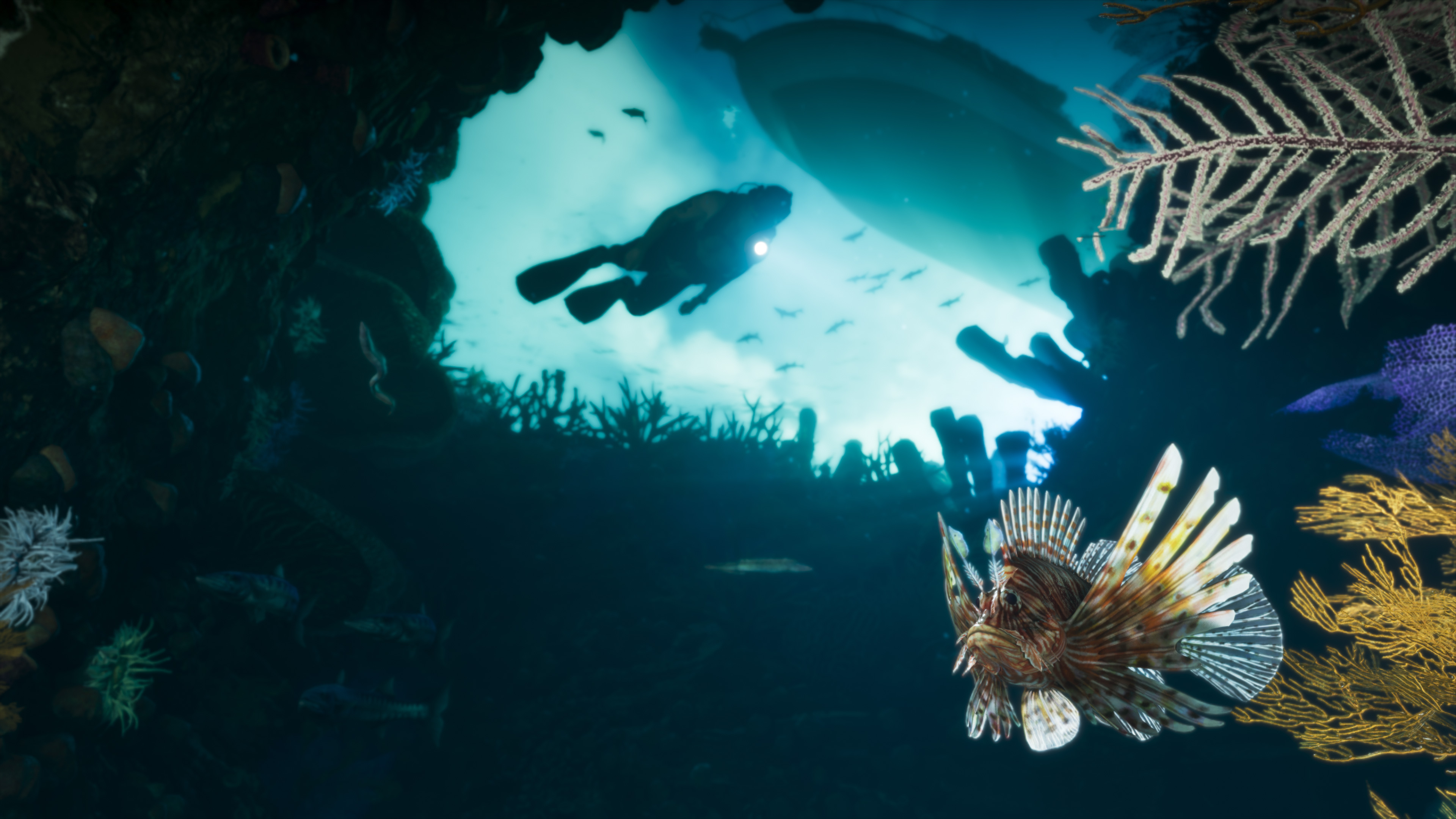
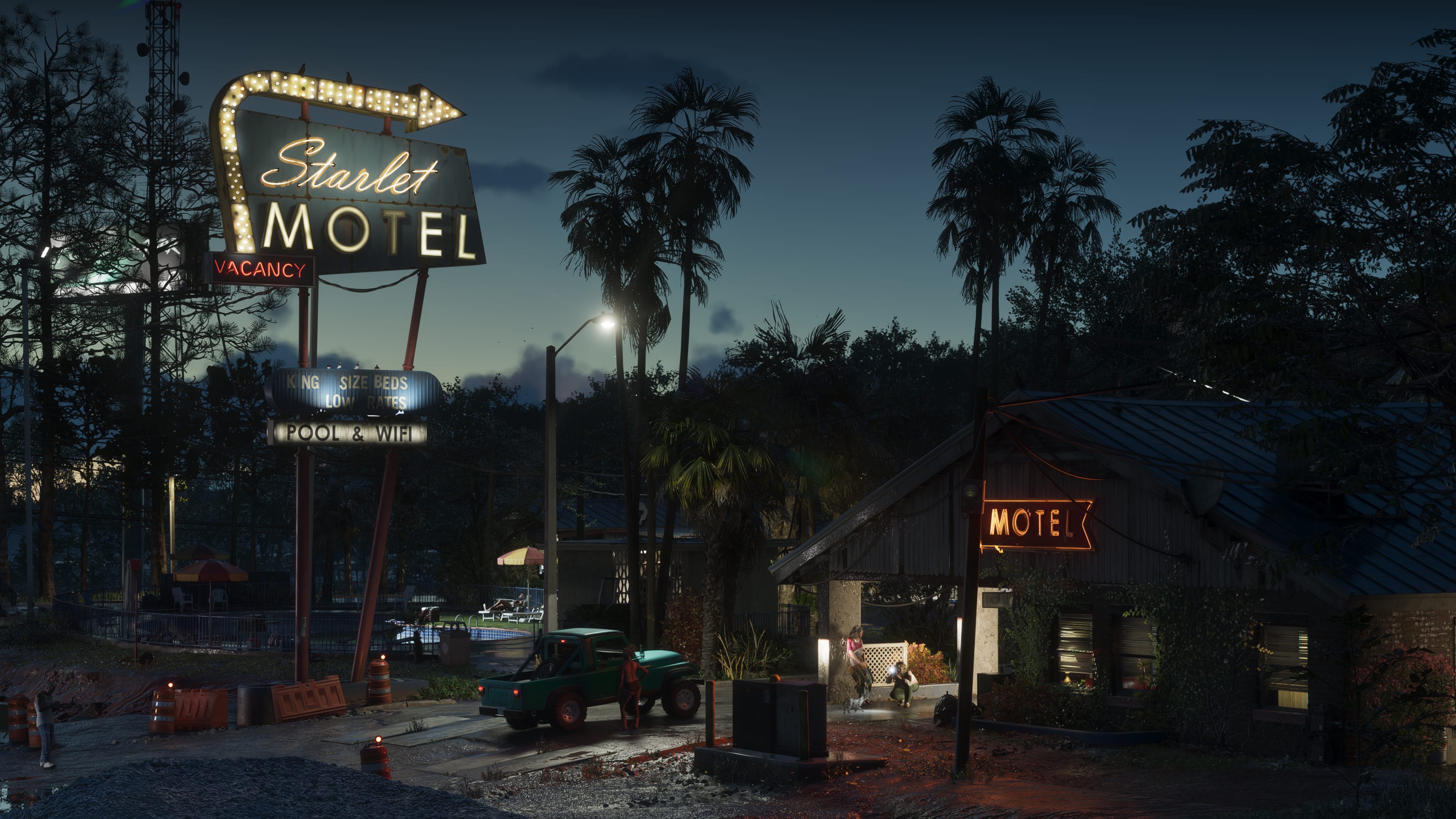
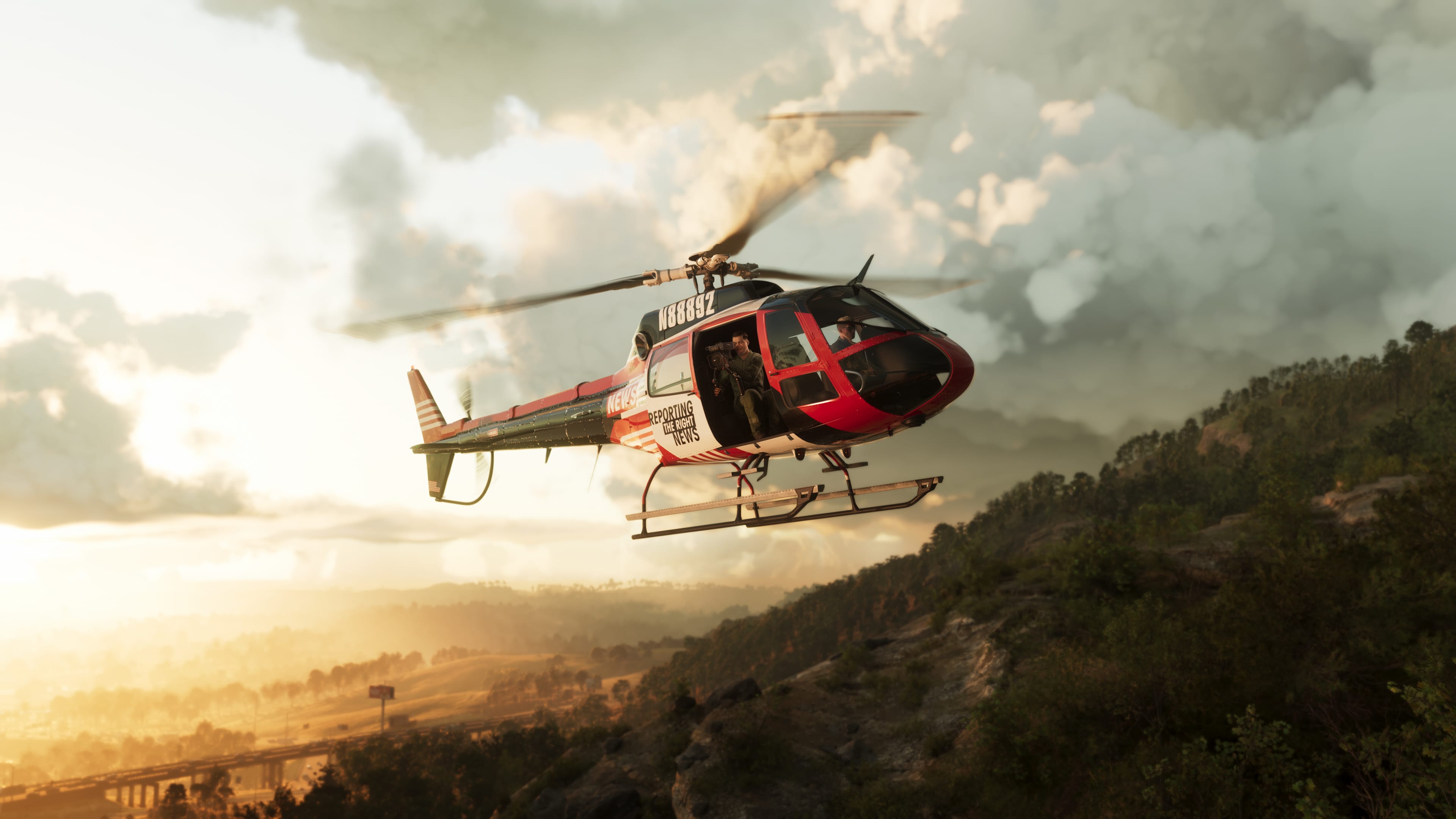
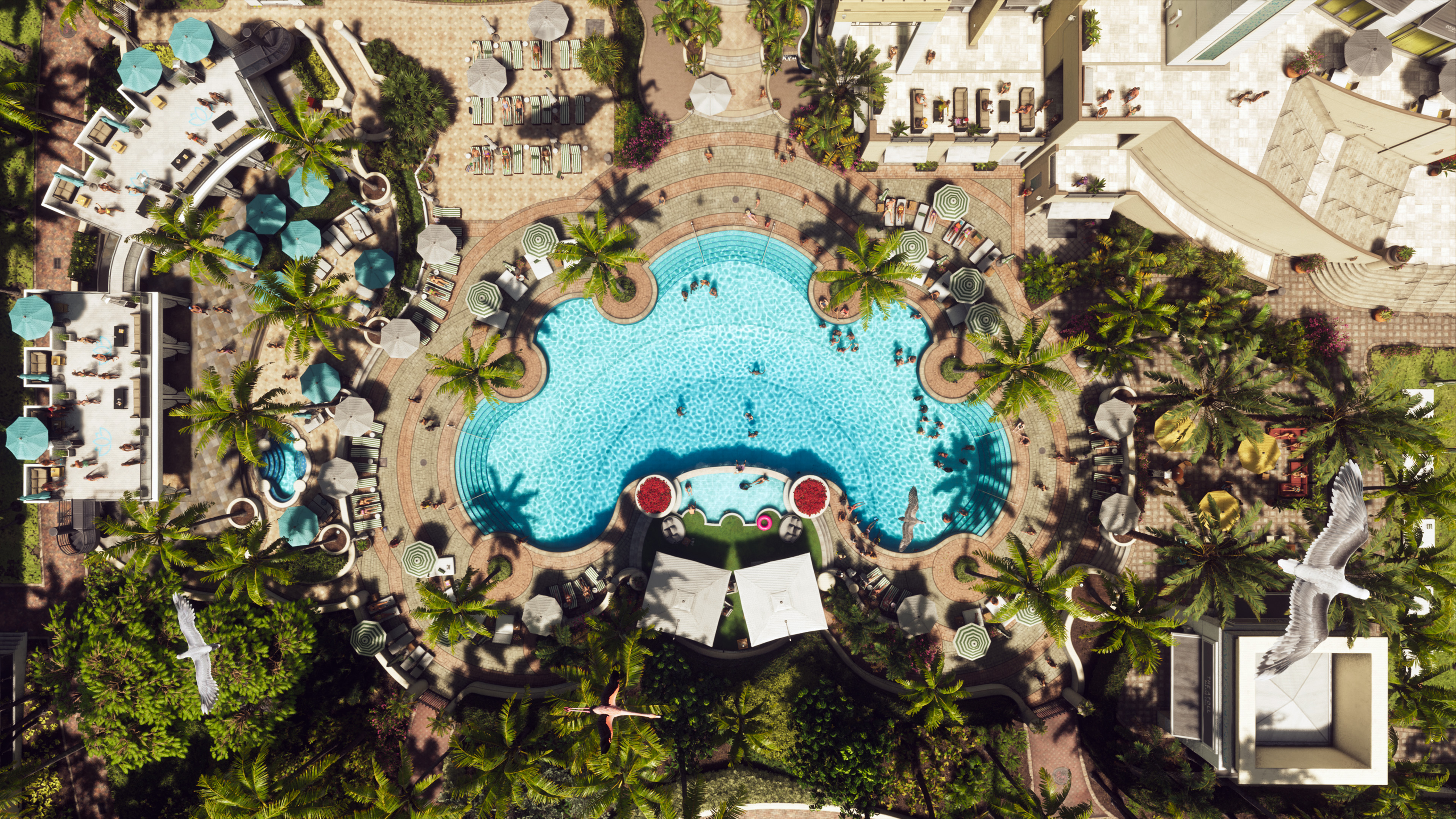
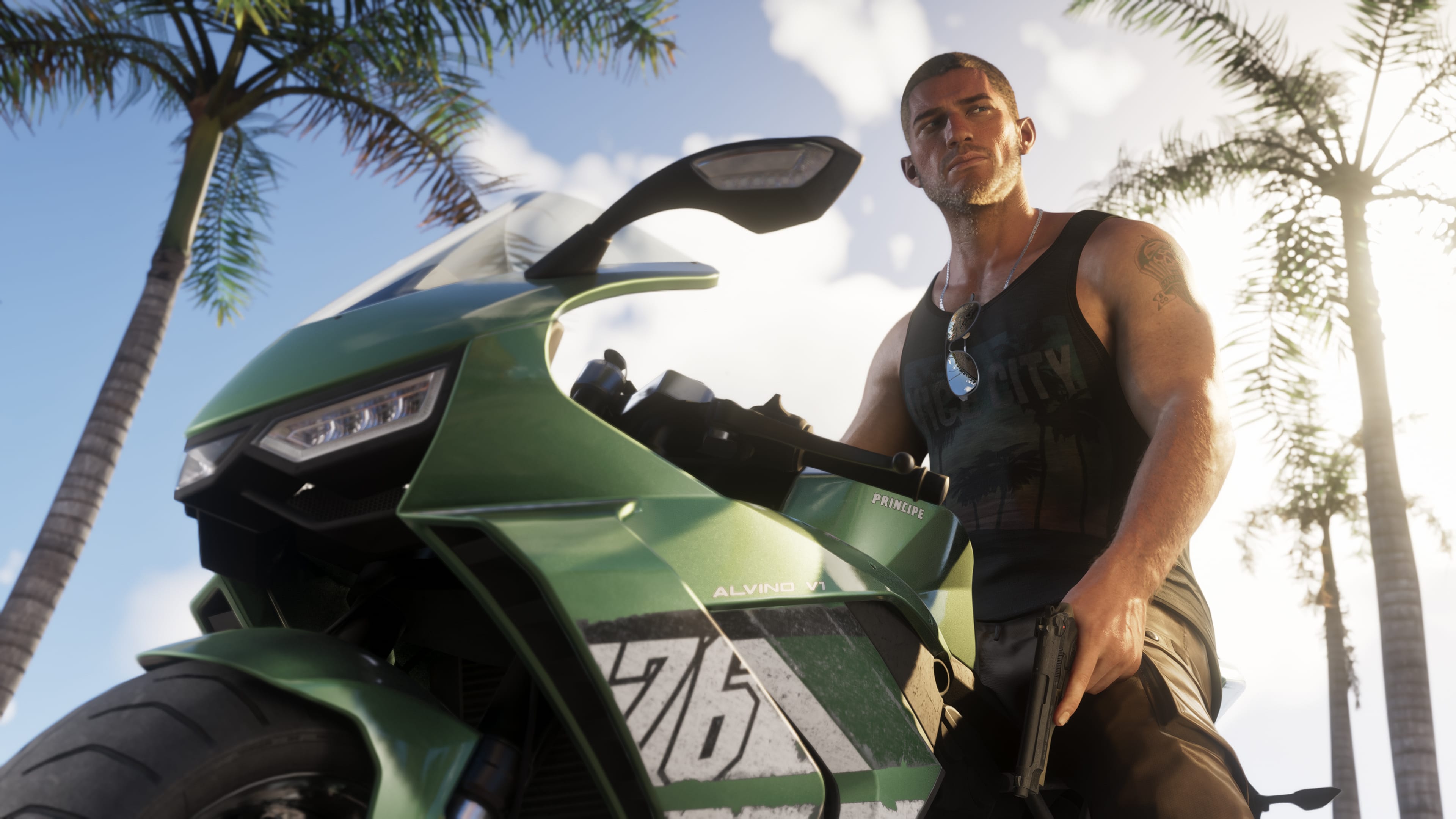
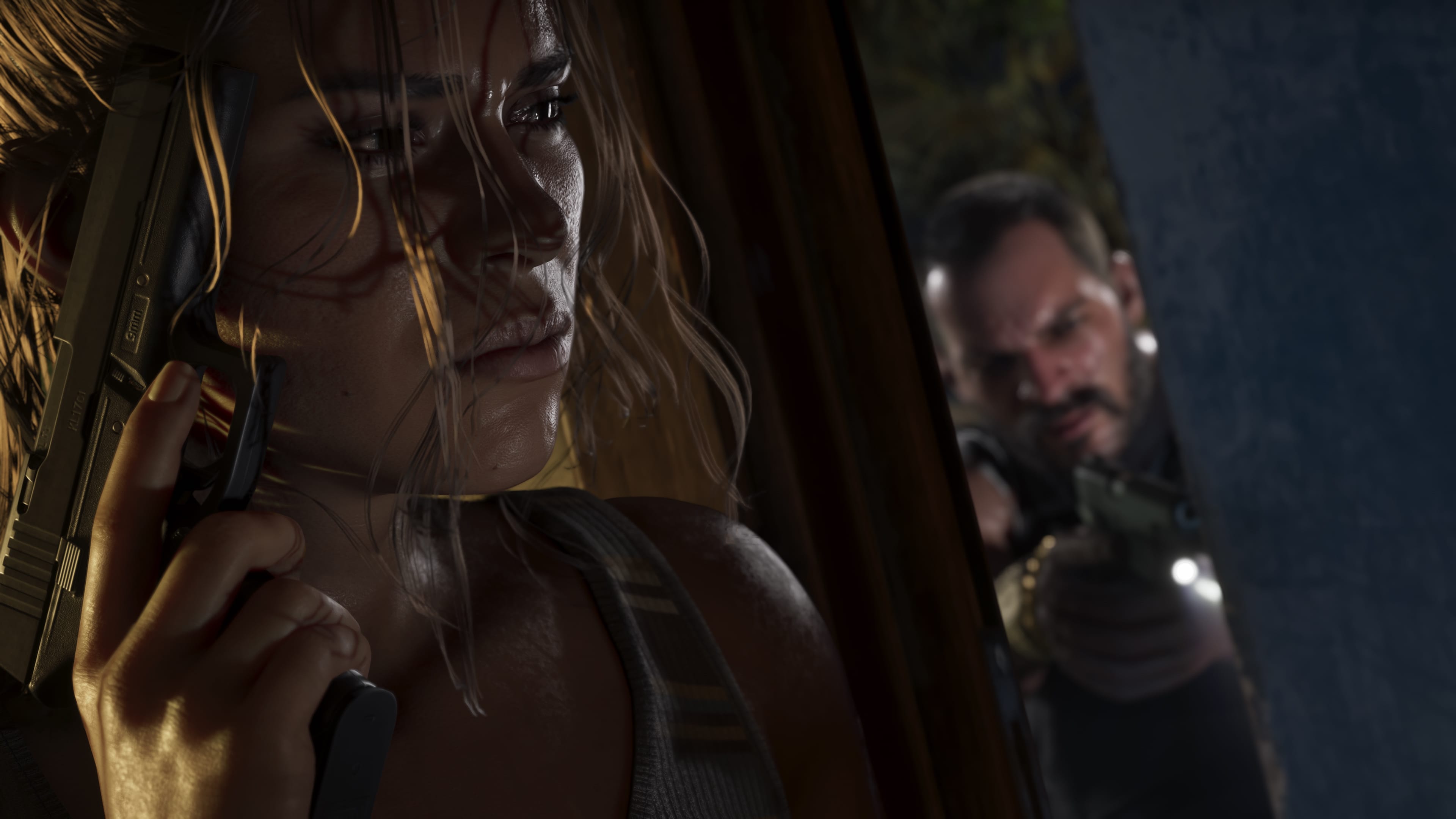
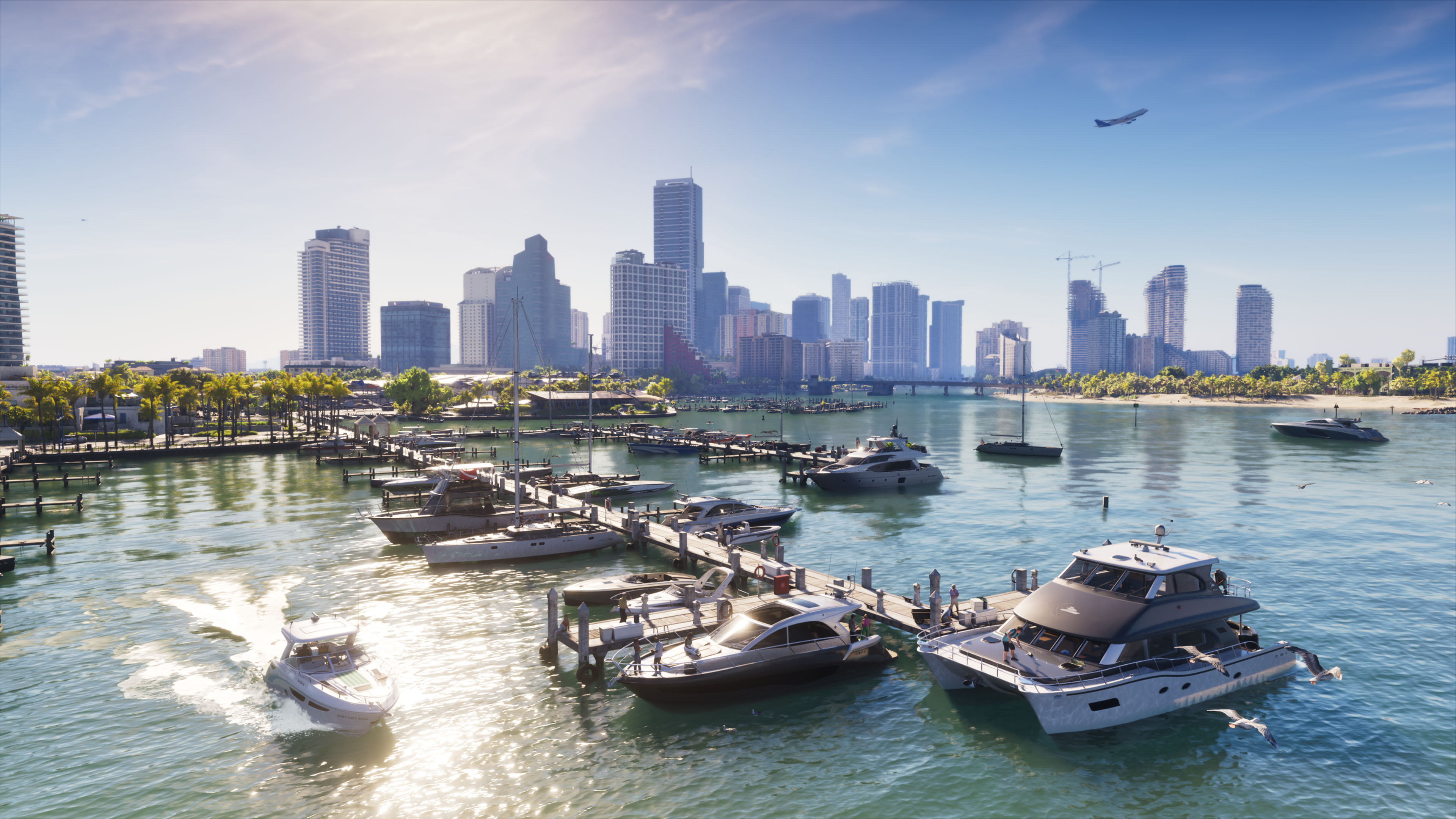
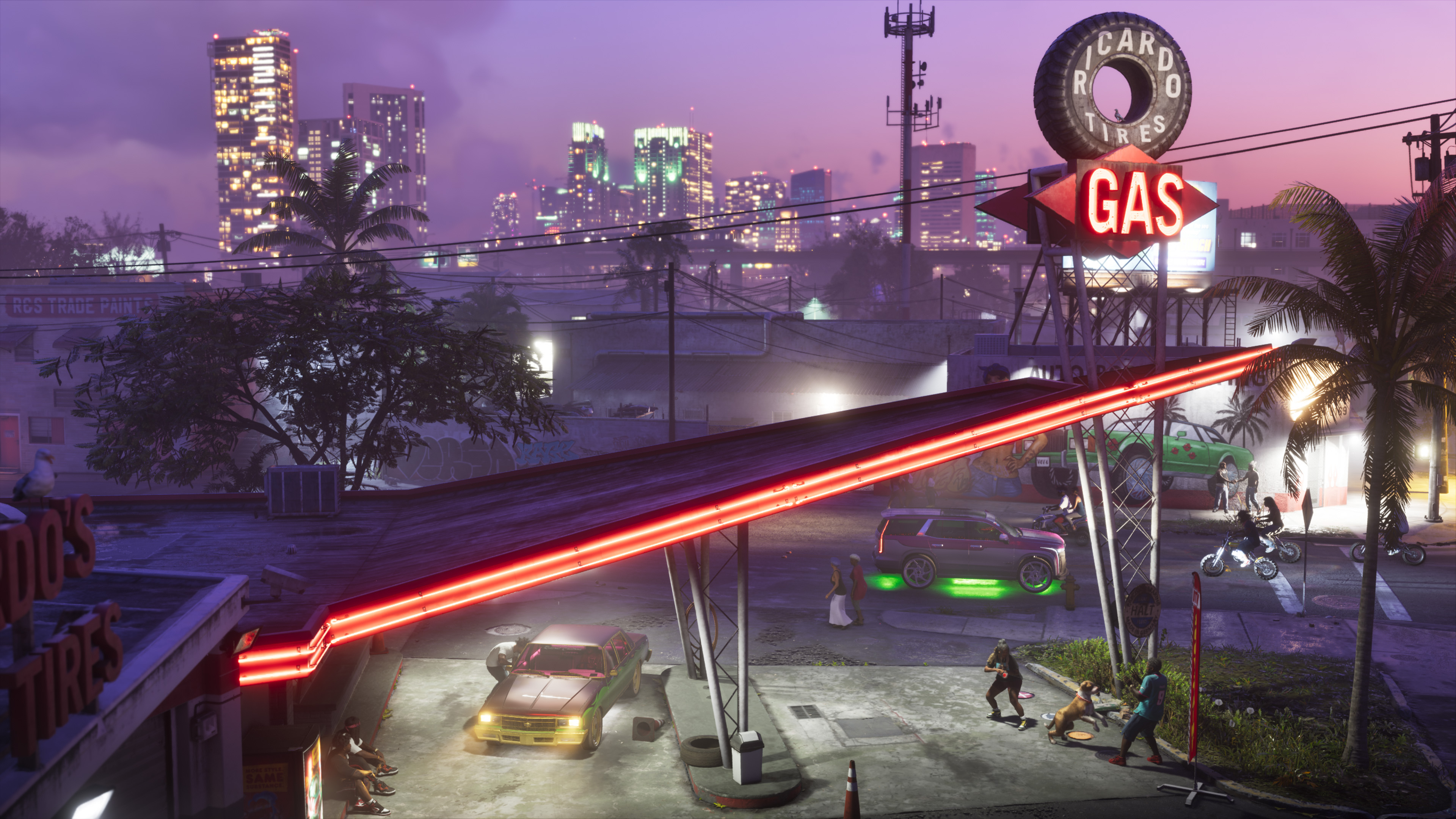
No fake mockups here. Below: real official Rockstar screenshots from the GTA VI media library — the same frames you'll see inside the game world once you download it.
- 0official shots published
- 0×2160 resolution
- 0Vice City frames
- 0location captures
Official Rockstar captures
Every image below is © Rockstar Games, sourced from the official GTA VI downloads page.
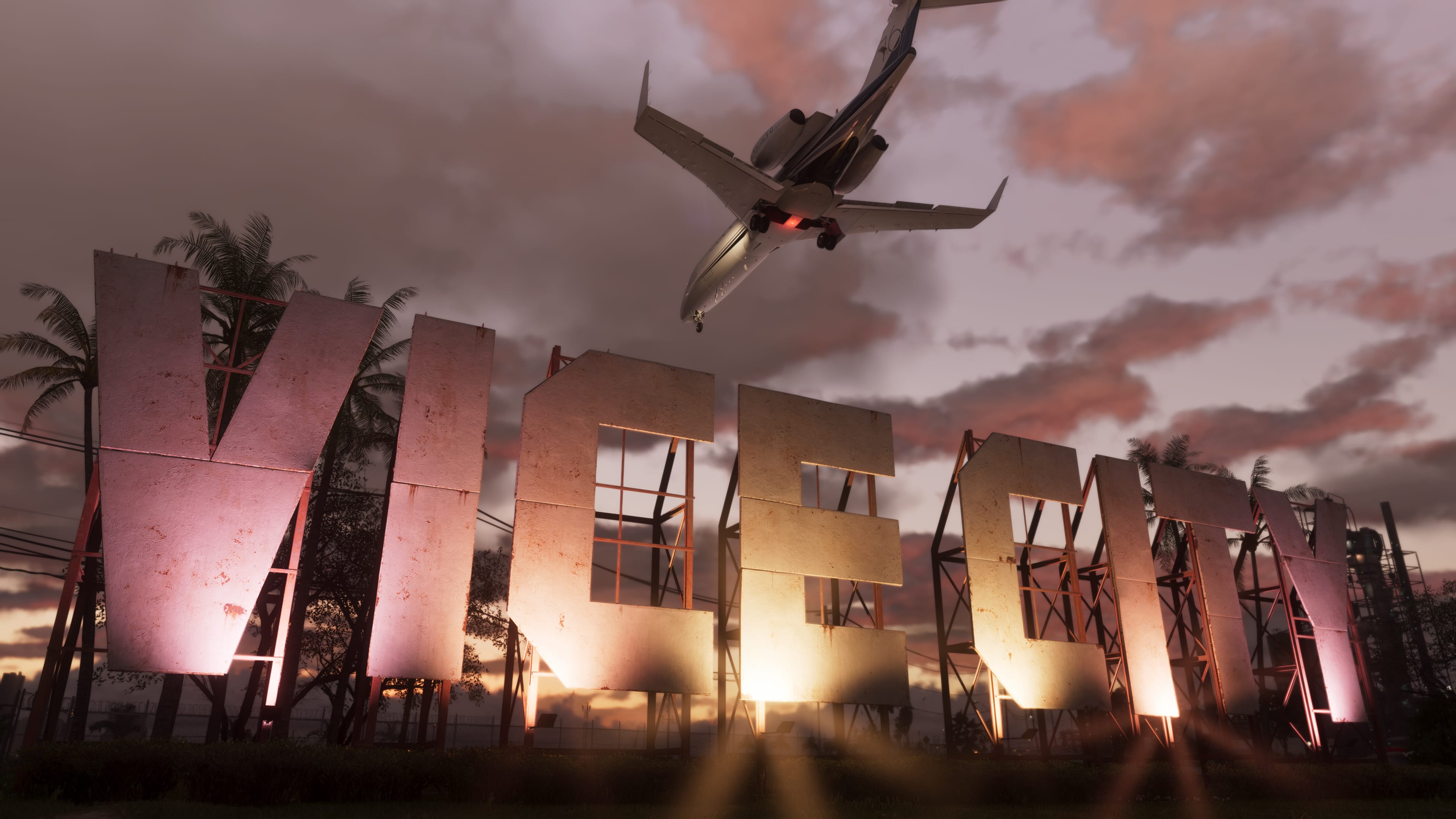
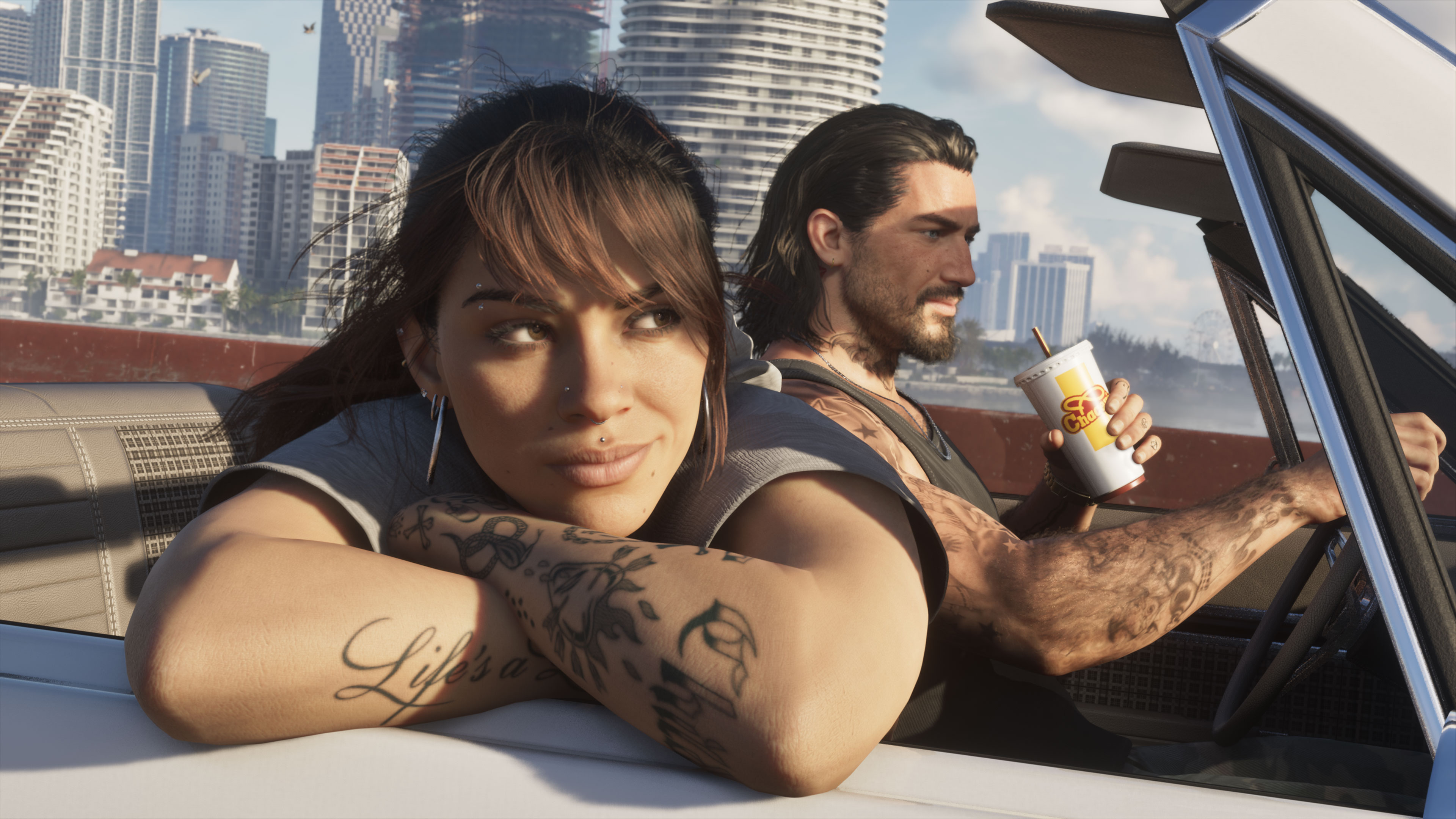
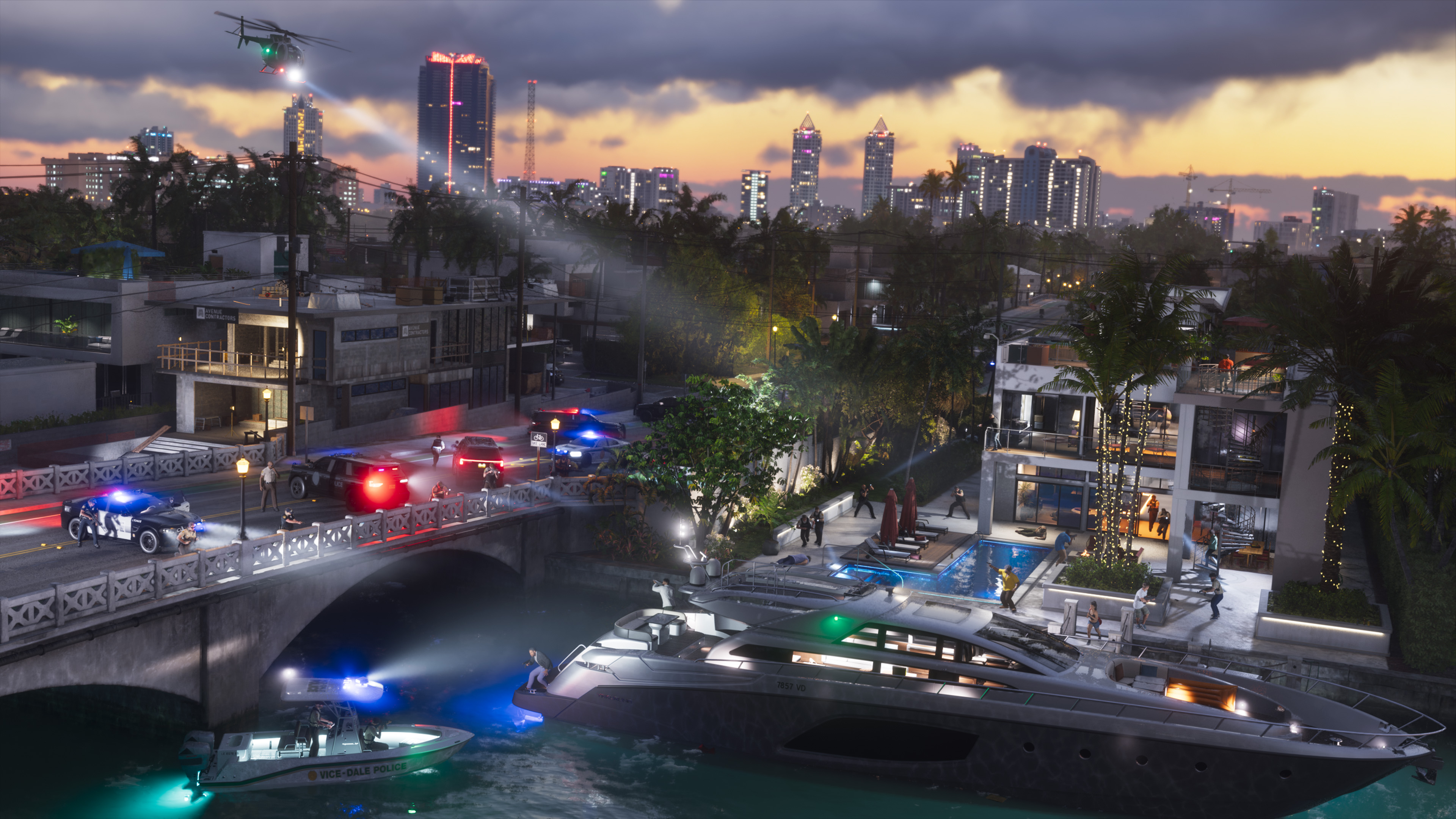
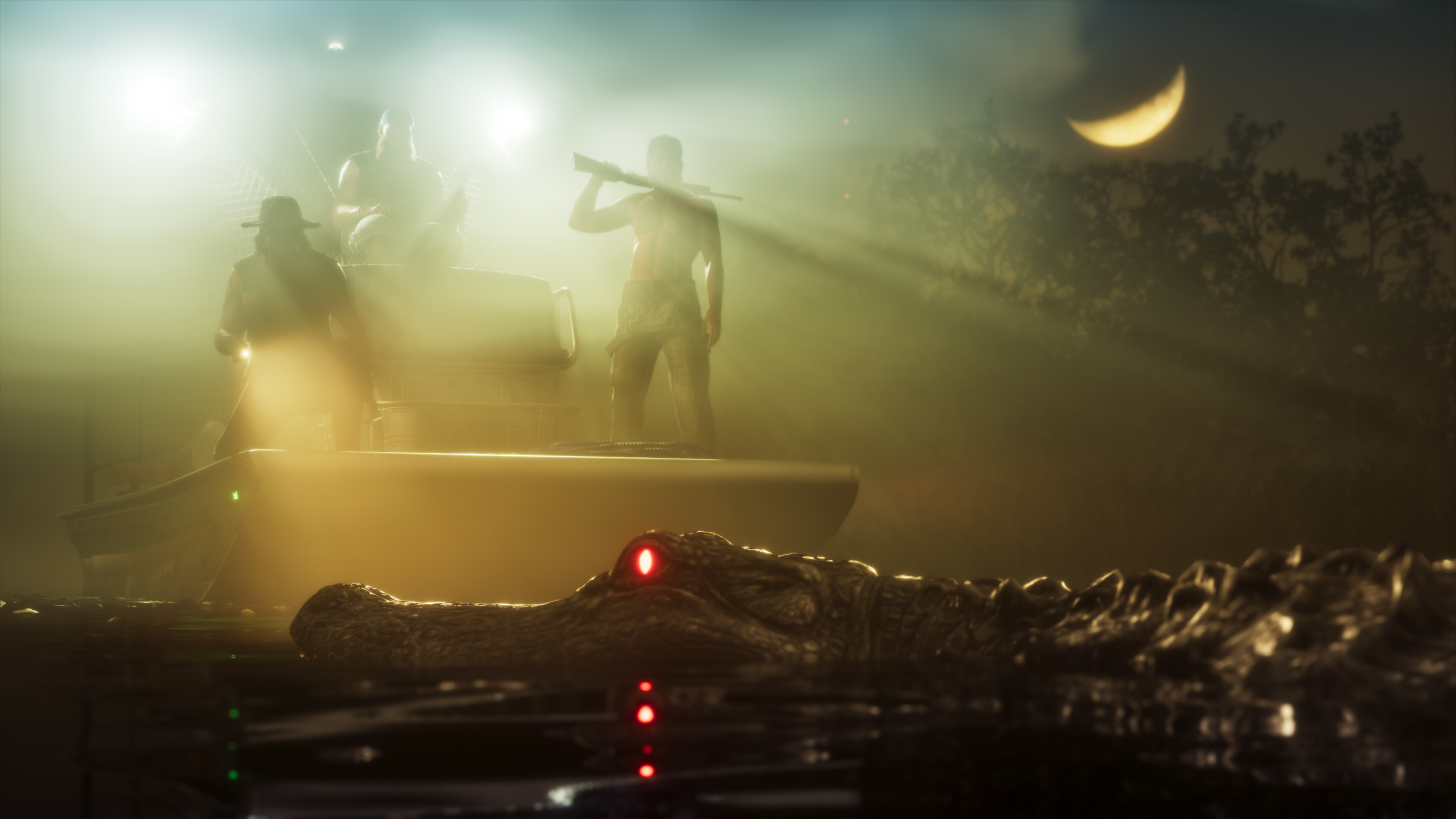
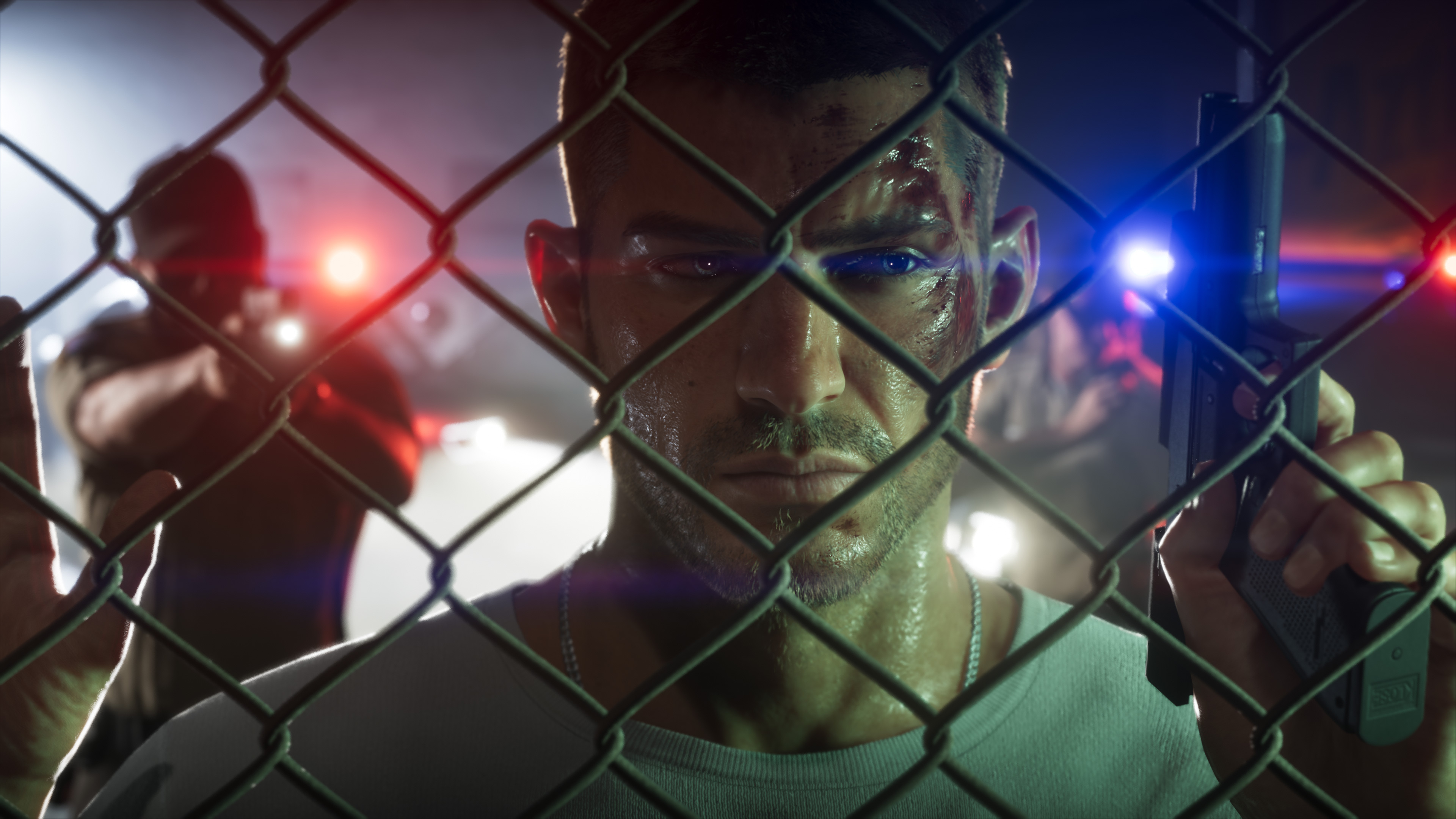
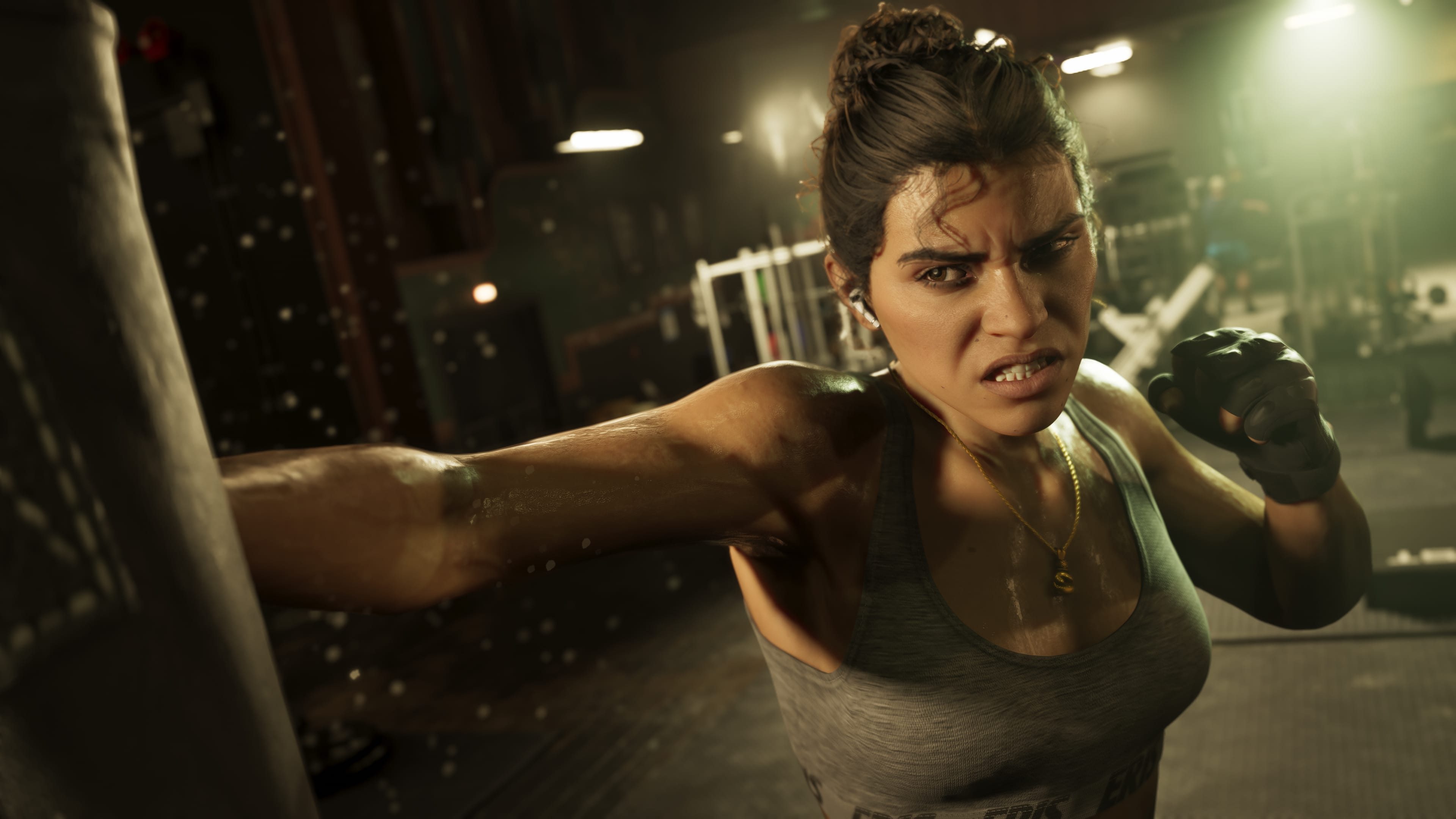
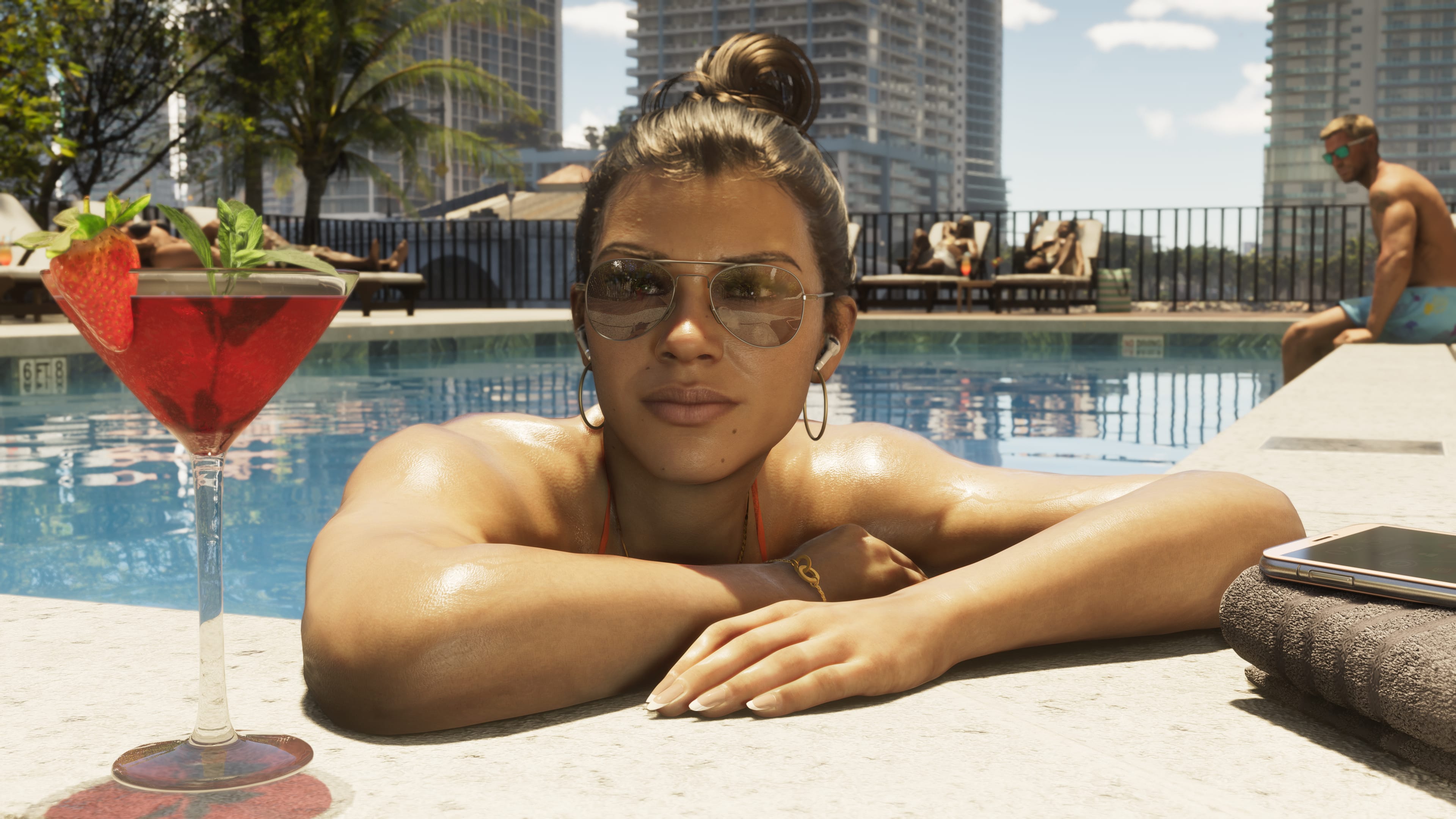
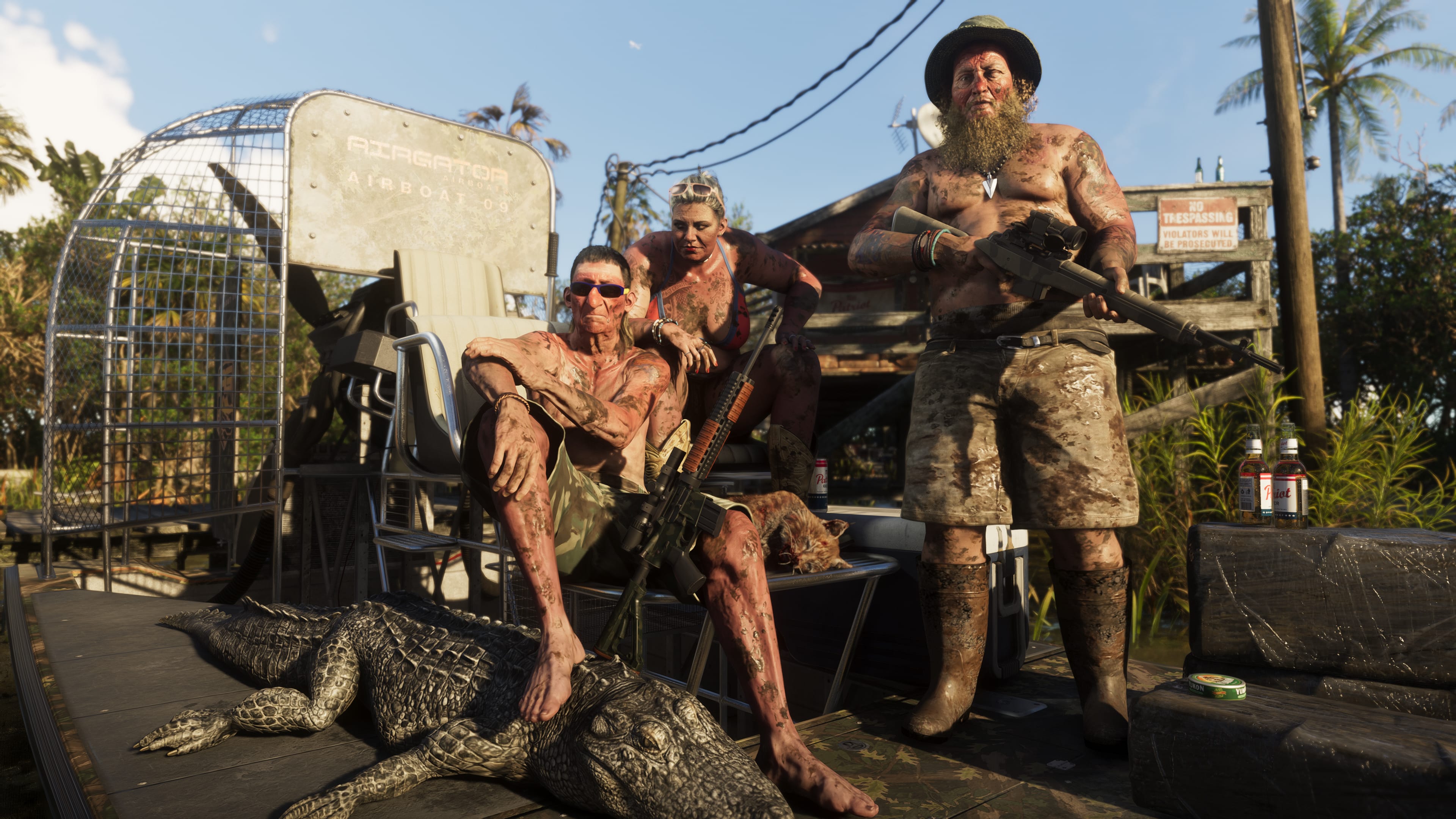
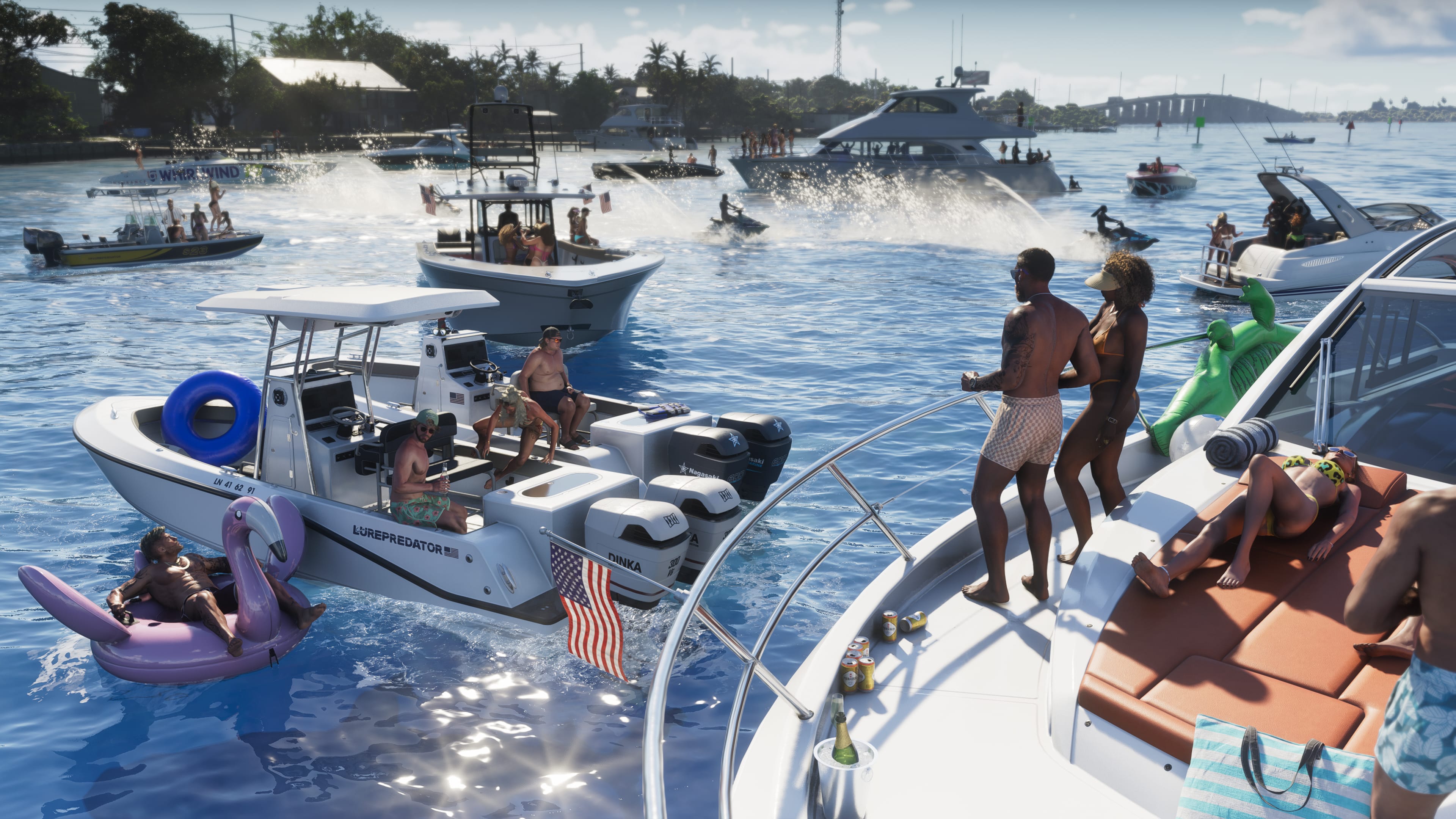
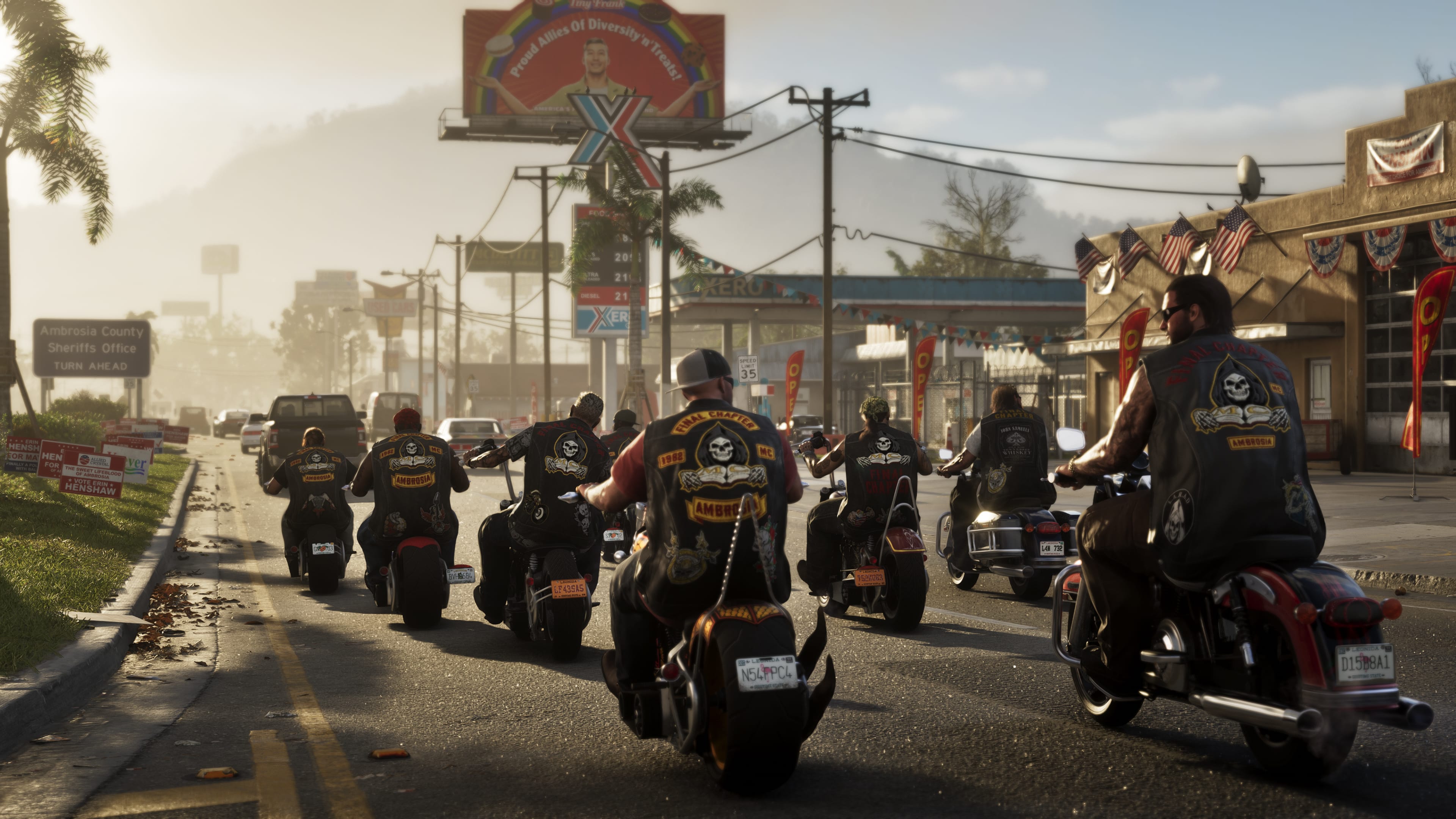
Want them all in 4K?
Grab the full official pack (all 138 images, ~116 MB) straight from Rockstar's downloads hub, or browse frame-by-frame on the Launch Gallery.
In-engine frames from the port build
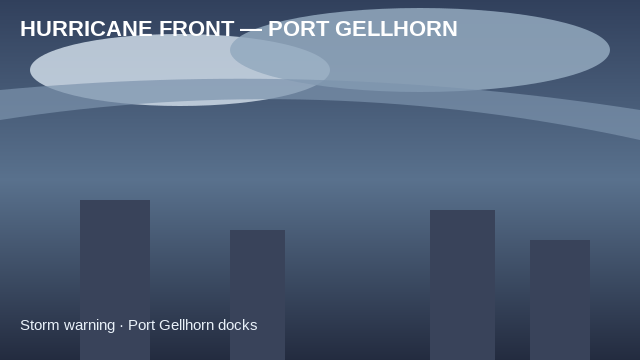
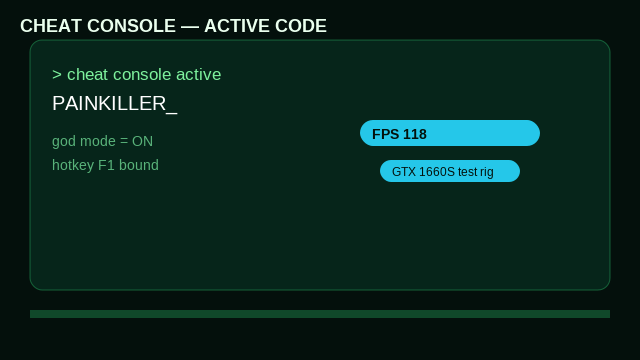
After you install via the download page, press F12 for clean UI-less captures of your own.
Screenshot mode
- Press F12 to save a clean frame without HUD.
- Use Photo Mode from pause for depth-of-field, camera roll and filters.
- Captures land in
/media/captures, ready to share anywhere.
Gallery FAQ
Are these real gameplay?
The Rockstar frames are official in-engine marketing captures; the two SVG ones come from our build's own capture tooling.
Can I use these images?
Official shots are © Rockstar Games — fine for editorial fan use with credit; always keep attribution.
Do I need the game installed?
Nope — but if you want your own in-game shots, grab it from the main download page.